Change Management
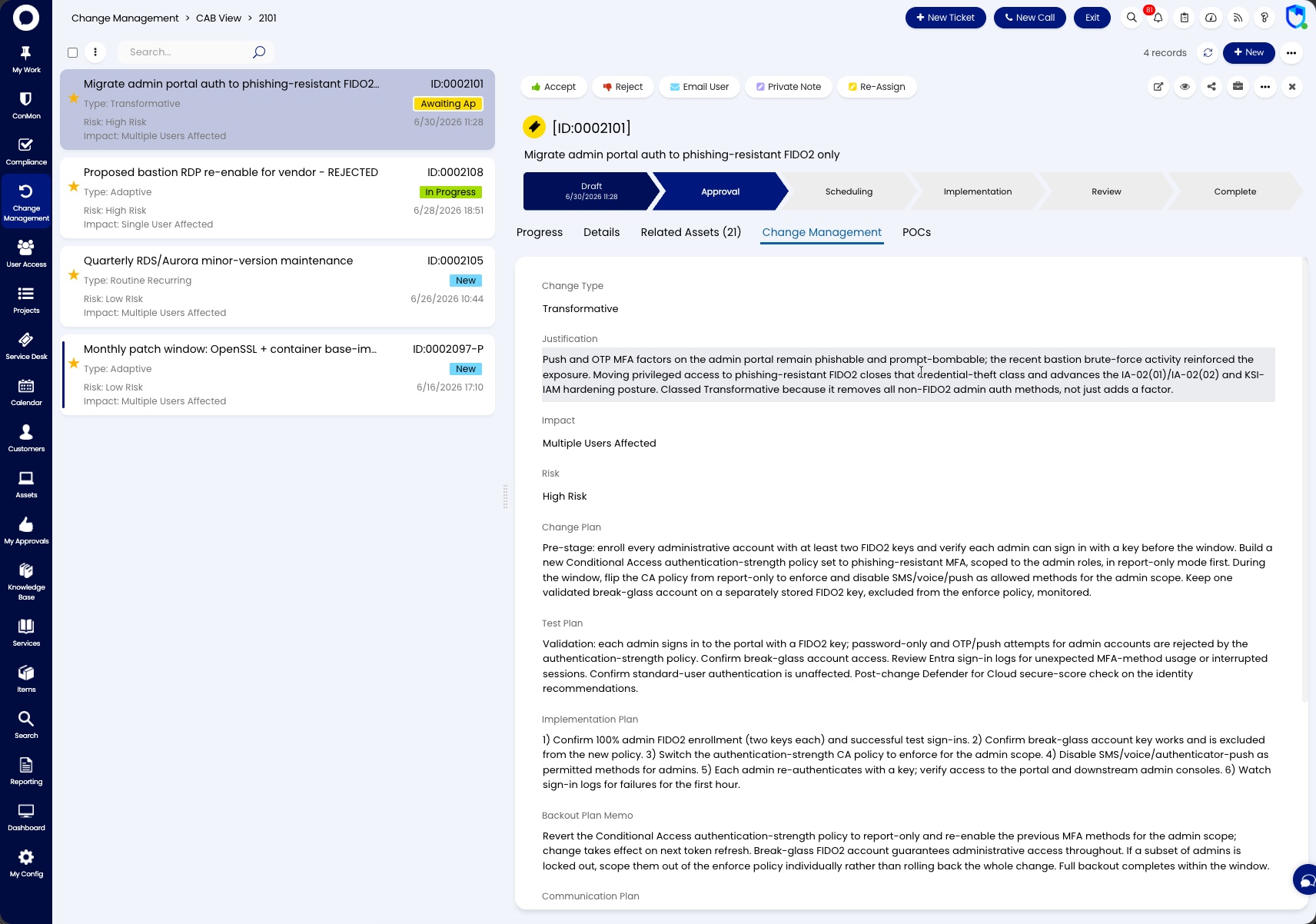
The Change Management area provides both a list and calendar view of all change requests that are active or pending in the system. From here you can open any change request to trigger workflow stages, add notes and comments, review details, and track progress through implementation.
Requires Attention
- Overdue - change requests that have passed their scheduled end date without completion
- Upcoming - change requests with implementation dates approaching soon
Active
- Calendar - a calendar view of all scheduled changes, useful for identifying conflicts and planning maintenance windows
- All Open - all active change requests with their current status, workflow stage, priority, change type, and scheduled start/end dates
Closed
- Closed - completed change requests for audit and reference purposes
Each change request tracks its Workflow Stage and Status. Status shows the exact step, such as Approved, Initial Plans Due, Awaiting Implementation, Completion Notice Due, Verification Notice Due, Adaptive Notice Due, Emergency Notice Due, or Review. Notice steps are the changes waiting for you to send a notice; see FedRAMP Notices for the windows. The step list for each change type is in the Change Request ticket type.
Related documentation
- Change Execution playbook -- how to drive a change through the workflow
- Change Management policy -- the policy and procedure for changes