User Access Area
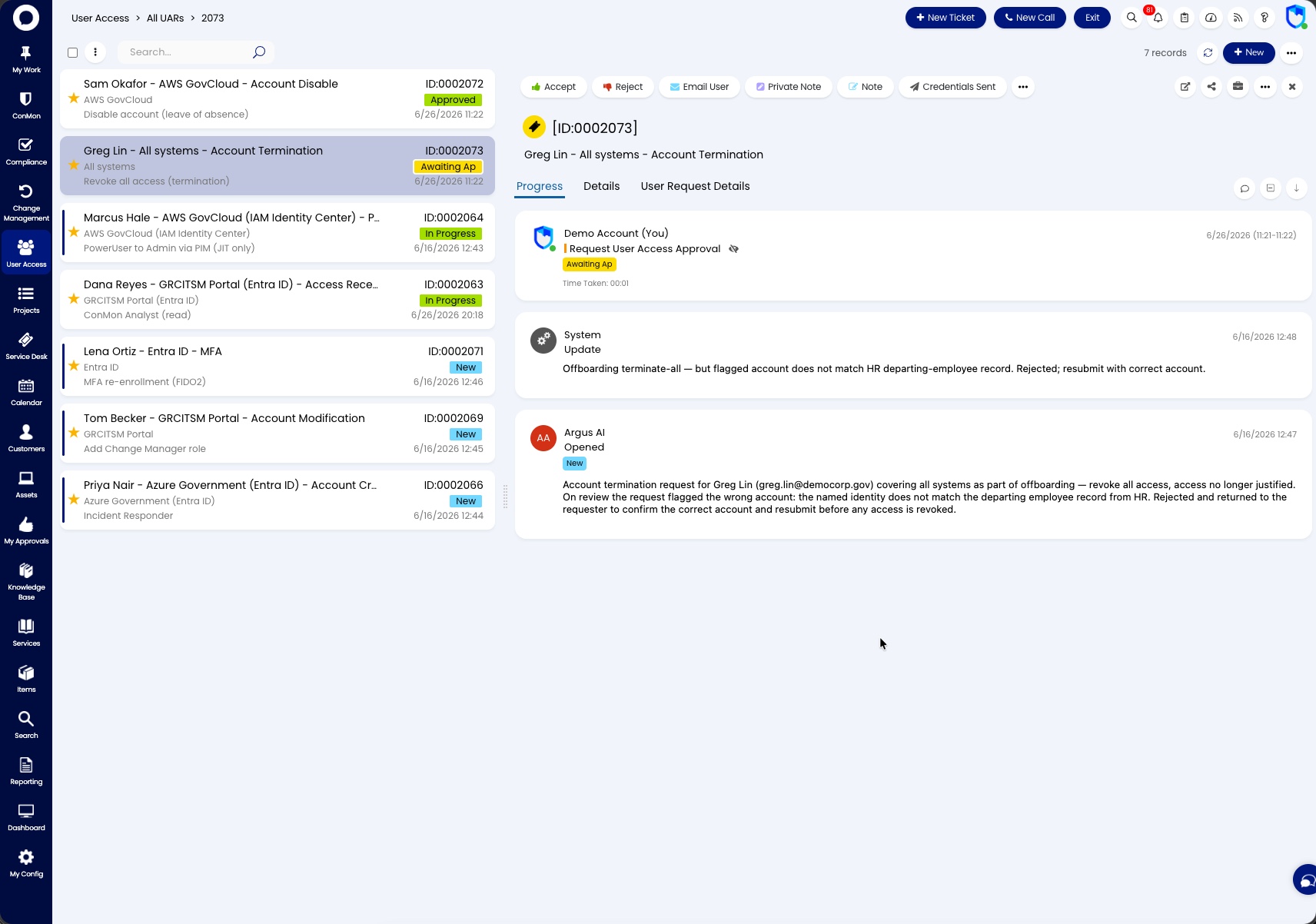
The User Access Area provides a centralized view of all user access requests (UARs) across the system. From here you can see each UAR's current status, assignment, and where it sits within the approval workflow.
Requires Attention
- SLA Breached - UARs that have exceeded their SLA targets
- Past Due - UARs past their target completion date
- Due Soon - UARs approaching their target date within the next 7 days
Active
- All UARs - all open user access requests across the organization
- New Requests - newly submitted UARs that have not yet been picked up
- Account Creation - requests for new user account provisioning
- Account Modification - requests to modify existing user access
- Account Termination/Disable - requests to remove or disable user access
- Privileged Access - requests involving privileged or elevated access
Closed
- Closed/Completed Requests - resolved UARs for audit reference
Trust Center Access requests are raised from the same User Access Requests category in Request Services but are a separate ticket type. See Trust Center Access for how they are worked.
Each UAR includes its own approval process workflow: the User Access Request Approvers CAB approves, with an additional organizational sign-off stage where the customer organization has a designated Access Approver. See the Access Management policy for the lifecycle categories and the evidence each decision records.
Related documentation
- User Access Lifecycle playbook -- how to run access requests and reviews
- User Access Request ticket type -- the access request record and fields