User Access Requests
User access requests are submitted through the Request Services page under the User Access Requests category.
Selecting a Request Type
Choose between standard user access requests and privileged user requests.
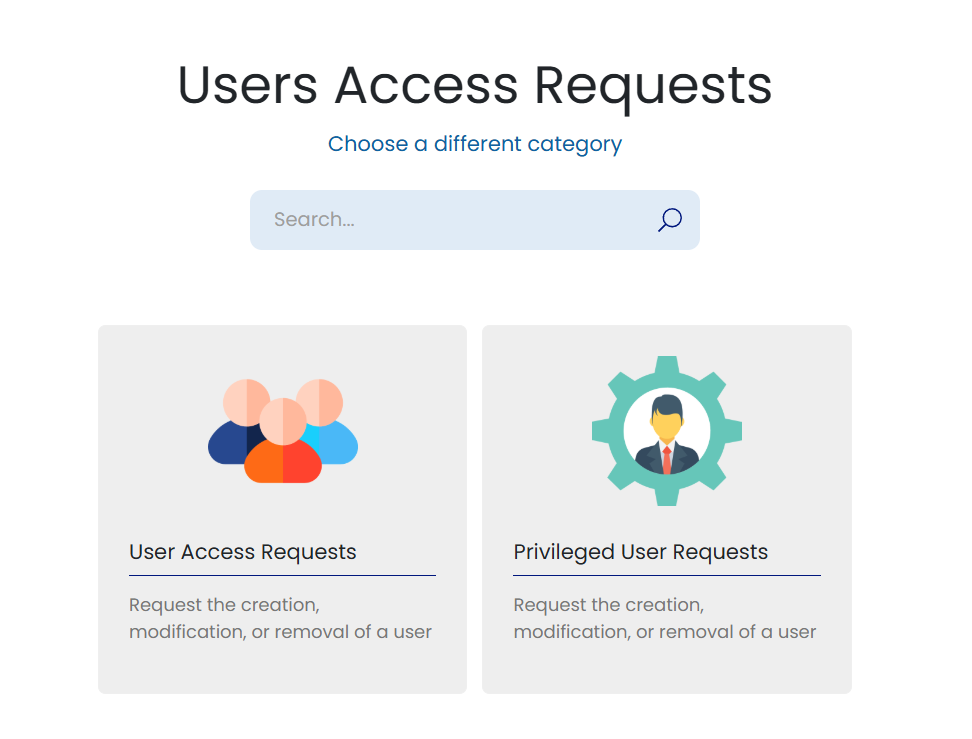
Request Options
Each request type supports onboarding, offboarding, and modification workflows.
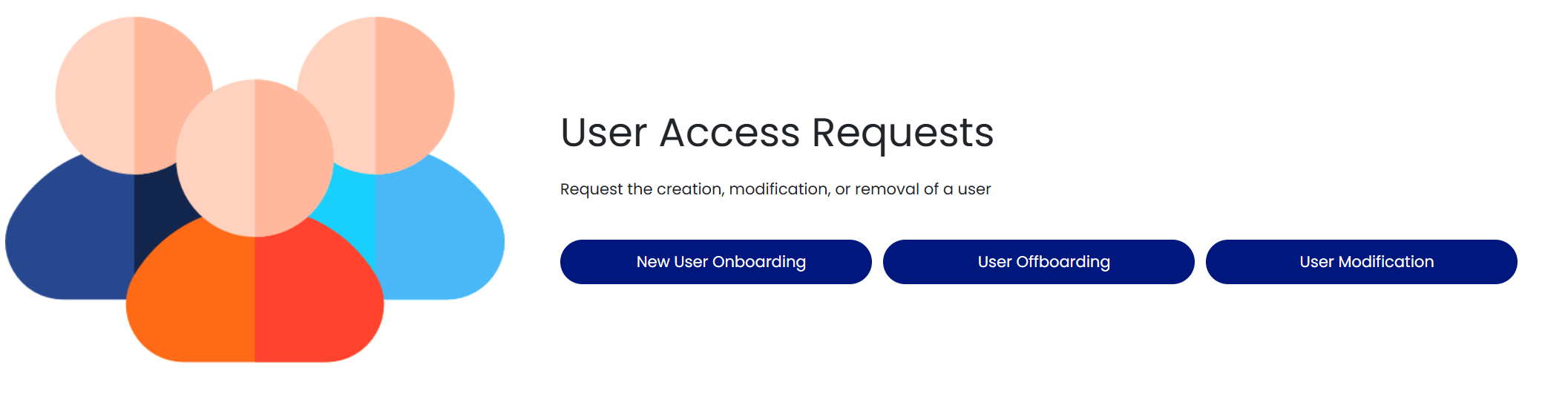
- New User Onboarding - request access for a new user
- User Offboarding - request removal of a user's access
- User Modification - request changes to an existing user's access
Requesting Trust Center Access
Agency and customer Trust Center accounts are requested here too. Select User Access Requests and submit a Trust Center Access request. Choose a category (Account Creation, Account Modification, Account Termination, Account Disable, or Access Recertification) and complete the mandatory User Access Type (Agency, FedRAMP, Assessor, or Other) and Email Address fields. Trust Center Access requests follow their own approval process, and each approved one closes with a record of the account action taken. See the Trust Center Access Guide for the full tour.
Approval Workflow
User access requests follow the approval workflow described in the Approvals section: the User Access Request Approvers CAB reviews and approves first, and when your organization has a designated end user with the Access Approver role, the request is then forwarded to them for final sign-off. Approval processes can be customized to suit your organization's needs.